
In this Blog Post:
If you’re new to ChatGPT, the biggest problem isn’t understanding what it is. It’s knowing how to actually use it in real work.
I was in the same position. So instead of overthinking it, I started using ChatGPT in simple, everyday tasks.
Here are five practical ways that actually helped me.
1. Writing Professional Messages Faster

This is the easiest place to start.
Whenever I needed to send a message, I would type something simple like:
“Make this message sound more professional”
ChatGPT would instantly improve tone, structure, and clarity.
This alone saved me a lot of time and reduced overthinking.
2. Turning Ideas Into Structured Content
I often have ideas but struggle to organize them.
Instead of staring at a blank page, I use ChatGPT to create a starting structure.
For example:
“Turn this idea into a blog outline”
This gives me something to work with instead of starting from zero.
3. Rewriting and Improving Existing Work
Instead of asking ChatGPT to create everything, I use it to improve what I already wrote.
Simple prompts like:
- “Make this clearer”
- “Improve readability”
- “Make this more engaging”
This keeps my voice while making the output better.
4. Learning While Working
Whenever I don’t understand something, I ask ChatGPT directly.
Examples:
- “Explain this in simple terms”
- “Give me an example”
- “Break this down step by step”
This helps me learn without stopping my workflow.
5. Organizing Tasks and Workflows
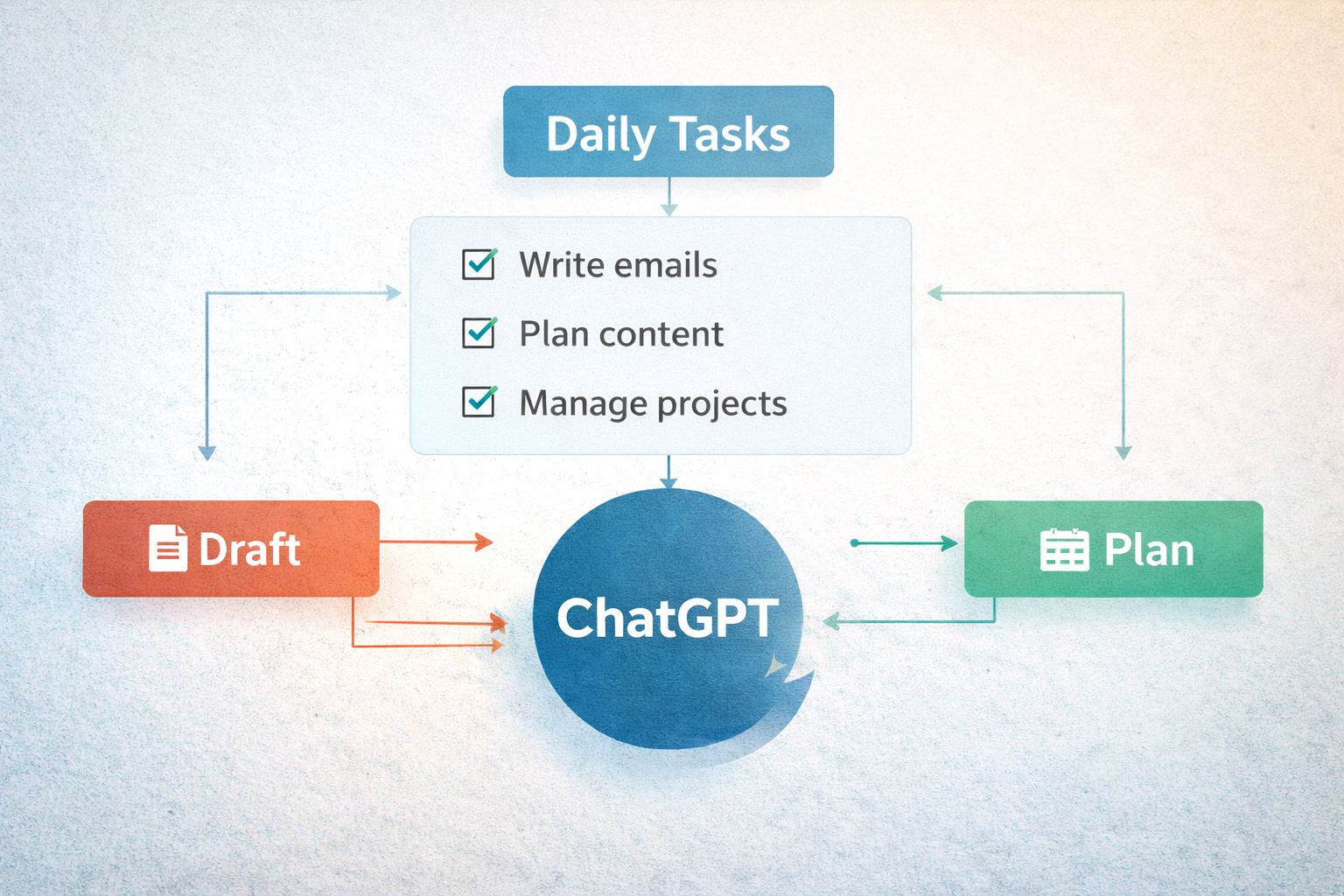
ChatGPT can help structure your work.
For example:
“Create a simple workflow for my daily tasks”
This gives you clarity and reduces decision fatigue.
Who This Is For
This approach works best if you:
- Are new to AI
- Do repetitive digital tasks
- Want to save time without overcomplicating things
Final Thoughts
You don’t need advanced knowledge to start using ChatGPT.
You just need to apply it to tasks you already do.
Start simple. Use it once. Then build from there.
If you’re looking for practical ways to use tech in real life, Techtography focuses on what actually works.