
In this Blog Post:
If you’ve been hearing about ChatGPT everywhere but still don’t know how to actually use it for real work, you’re not alone.
I was in the same position. I knew ChatGPT was powerful, but I didn’t want to waste time experimenting blindly. So I decided to use it in my actual daily workflow and see what really works.
This is not a theoretical guide. This is based on real usage, real tasks, and real results.
Why I Decided to Try ChatGPT for Work
Like most people juggling multiple tasks, I deal with repetitive work such as writing messages, organizing data, and creating content. These tasks take time, and even small inefficiencies add up.
I wanted to answer one simple question:
Can ChatGPT actually save me time and improve my work quality?
What I Used ChatGPT For
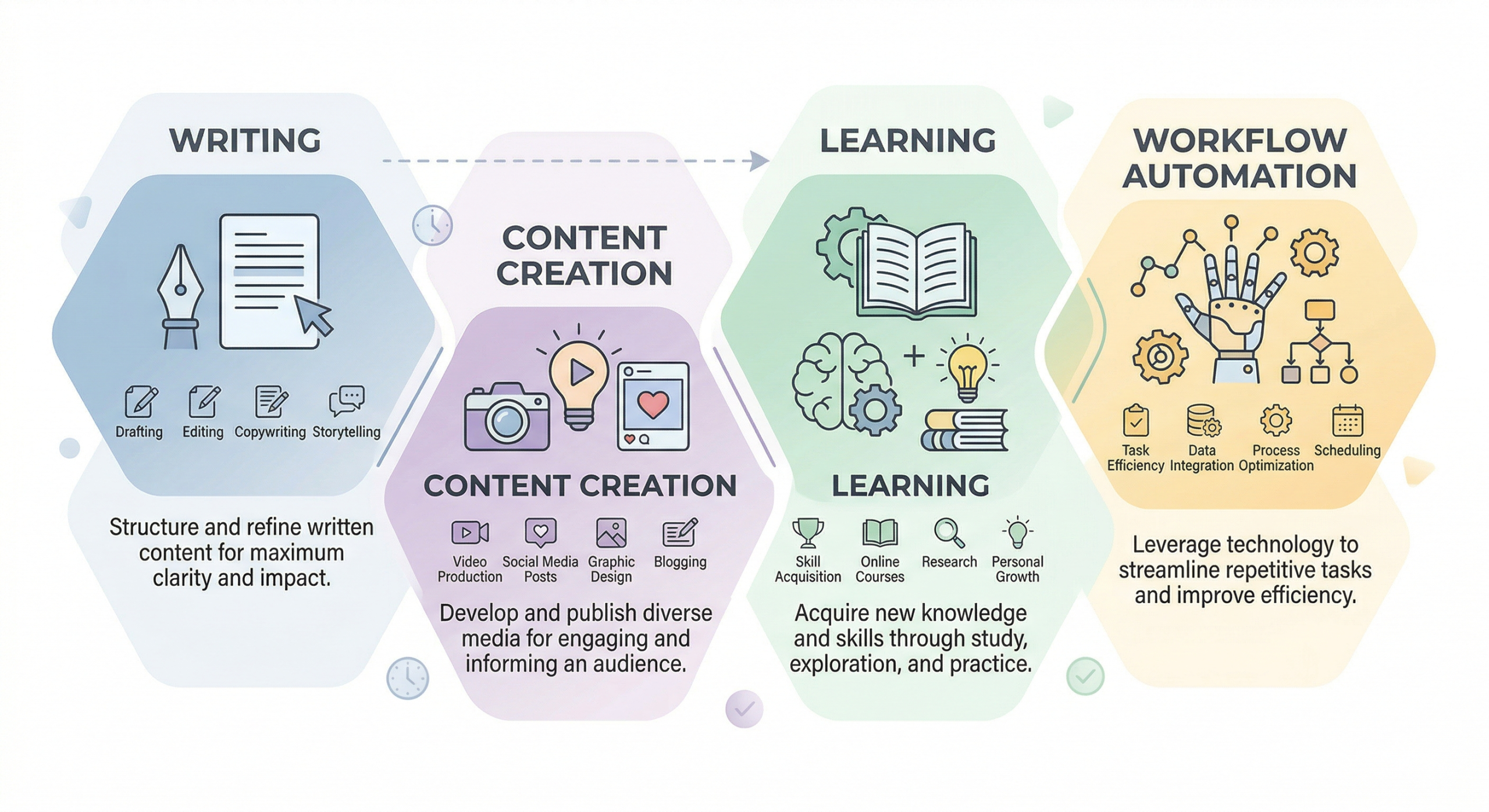
I didn’t try to use ChatGPT for everything. I focused on tasks I already do daily:
- Writing professional messages
- Creating content ideas
- Rewriting and improving text
- Explaining things I didn’t understand
- Structuring workflows
Here’s what I discovered.
What Actually Helped

1. Writing Professional Messages Faster
This was one of the biggest wins.
Instead of spending time thinking about how to sound professional, I would type something simple like:
“Make this message professional and non-combative”
ChatGPT would instantly improve tone, clarity, and structure.
This saved me time and reduced the stress of overthinking emails and work messages.
2. Turning Rough Ideas Into Structured Content
I often have ideas but struggle to organize them.
ChatGPT helped me turn messy thoughts into structured outlines, especially for:
- Blog posts
- Video scripts
- Social media content
Instead of starting from zero, I start with something workable.
3. Learning While Doing
Whenever I didn’t understand something, I asked ChatGPT directly.
For example:
- “Explain this in simple terms”
- “Give me a real-world example”
- “Break this down step by step”
This made learning faster because I could immediately apply what I learned.
4. Improving Existing Work Instead of Rewriting
This is important.
Instead of asking ChatGPT to create everything from scratch, I used it to improve what I already wrote.
This kept my voice authentic while still benefiting from AI.
Example prompts I used:
- “Make this clearer”
- “Improve flow and readability”
- “Make this more engaging”
5. Saving Mental Energy
Even if a task only takes 10 minutes, doing it repeatedly drains your energy.
ChatGPT helped reduce decision fatigue by handling small but frequent tasks.
This allowed me to focus more on higher-value work.
What Didn’t Work (Important)

1. Expecting Perfect Answers Immediately
ChatGPT is not magic. The first response is not always the best one.
You need to guide it.
The better your prompt, the better the result.
2. Using It Without Context
If you give vague instructions, you get generic output.
For example:
Bad prompt:
“Write an article about AI”
Better prompt:
“Write a beginner-friendly article explaining how small business owners can use AI to save time”
Context changes everything.
3. Relying on It for Everything
Not every task should be automated.
Some things still require human judgment, especially:
- Personal stories
- Final decision-making
- Creative direction
ChatGPT is a tool, not a replacement.
How I Actually Use ChatGPT Now (Simple Workflow)
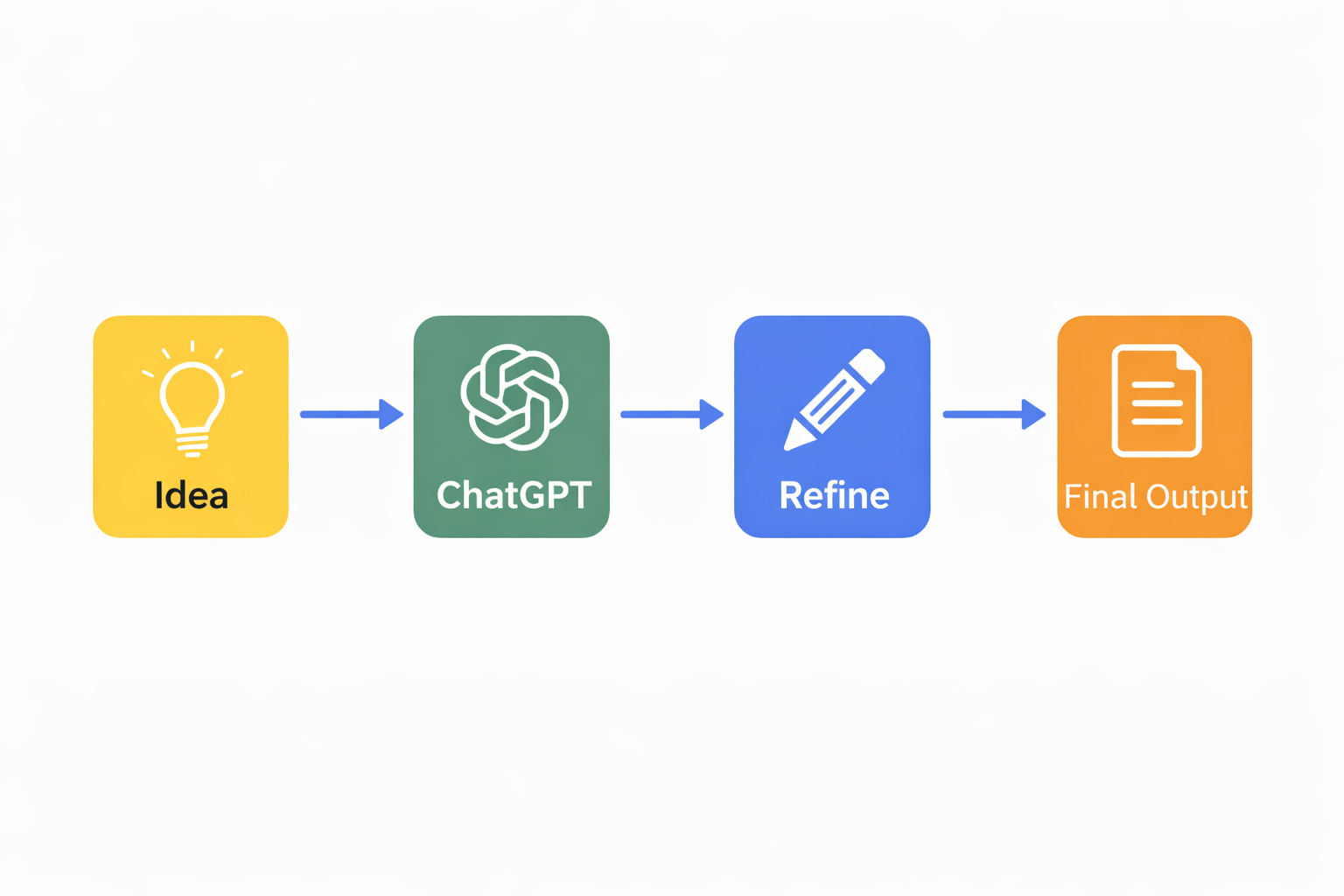
After testing, here’s my practical setup:
- Start with my own idea or draft
- Use ChatGPT to refine and structure
- Adjust the output to match my voice
- Use it again for improvements
This balance gives me speed without losing authenticity.
Who Should Use ChatGPT This Way
This approach works best for:
- Freelancers
- Content creators
- Small business owners
- Anyone doing repetitive digital work
You don’t need to be an expert. You just need to start using it in your actual tasks.
Final Thoughts
Using ChatGPT didn’t instantly transform my work, but it made a noticeable difference.
I work faster, think clearer, and spend less time on repetitive tasks.
The biggest takeaway is this:
ChatGPT is most useful when you use it as a partner, not a shortcut.
If you’re just starting, don’t try to master everything at once. Start small. Use it on one task. Then build from there.

What’s Next
If you’re just getting started with AI, follow Techtography for practical guides that actually help you get things done.